
To access the Katalys Marketing Platform, you need 2 things:
-
A user account attached to your email address. (this page)
-
A Profile on the Katalys Marketplace. (read more below)
Creating a User Account
A user account is an identity tied to your email address. Your user account is reusable and can be attached to as many organization profiles as needed.
Use the link below to login or signup for a user account with Katalys.
Signup or login to your user account ->
You can choose one of:
-
Google SSO Recommended – Login or signup with one click!
-
Email and password – enter your First Name, Last Name, Email, and create a strong password.
When signing up, you agree with the Terms of Use and Privacy Policy. If you signed up via entering your data, you need to click the checkbox below to confirm your choices.
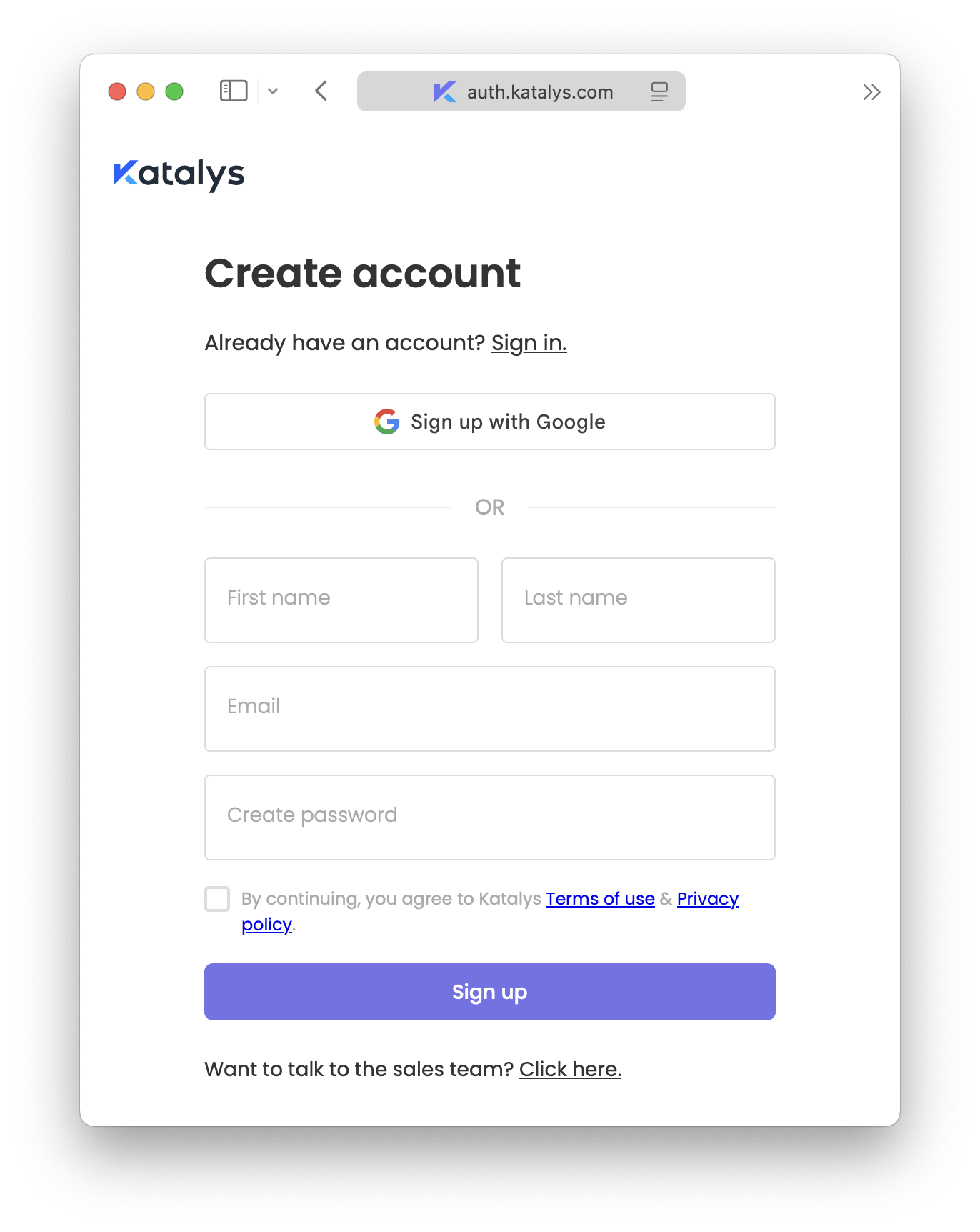
If you do not remember your password, reference How to Reset Your Password for instructions.
Creating or Accessing Your Profile
After logging in or creating a new user account, you must select or create a business Profile. Your Profile will be of type “Advertiser” or “Partner”, and allow you to use the platform.
To access an existing Profile, follow the link below. If you do not have access to any Profiles, you will be prompted to create a new one.
To read more about creating a new Profile, refer to our onboarding guides below.
Advertiser Onboarding Guide ->
FAQ
I received a link from a Katalys Account Manager, but I do not see my data.
The primary reason you may not see your profile is because there is a mismatch between the email address you have logged in with, and the email address granted access to your profile.
-
Search your email inbox for a welcome email message from Katalys.
This email should have a direct link to Katalys that will make logging in or signing up easier. Click on this link to access the platform.-
If you cannot find this email address, the email may have gone to spam, or the email may not match what is in our system. Continue the below debugging steps.
-
-
Log out and back in with the correct email.
-
Log out by clicking the user-menu in the top-right, and clicking “Logout”.
-
Login again using Google SSO or Email/Password, but ensure the email you are logging in with matches the email your Account Manager granted access.
-
If you can login but you still cannot access your Profile’s data, refer to How to Contact Support.
I am not receiving Password Reset or Signup email messages.
You must be able to receive email notifications from Katalys to be able to login and verify your user account.
-
Check your spam folder to see if the message was not delivered to your inbox.
-
Ensure you have whitelisted
techsupport@katalys.comandnoreply@katalys.com.