
Meta Ads Audience Postbacks allow you to send conversion data from Katalys directly into your Meta Ads account, helping you build high-performing audiences and optimize campaign delivery.
Follow the steps below to set up Meta Audience Postbacks in the Katalys Marketing Platform:
Step 1: Access Postback Settings
-
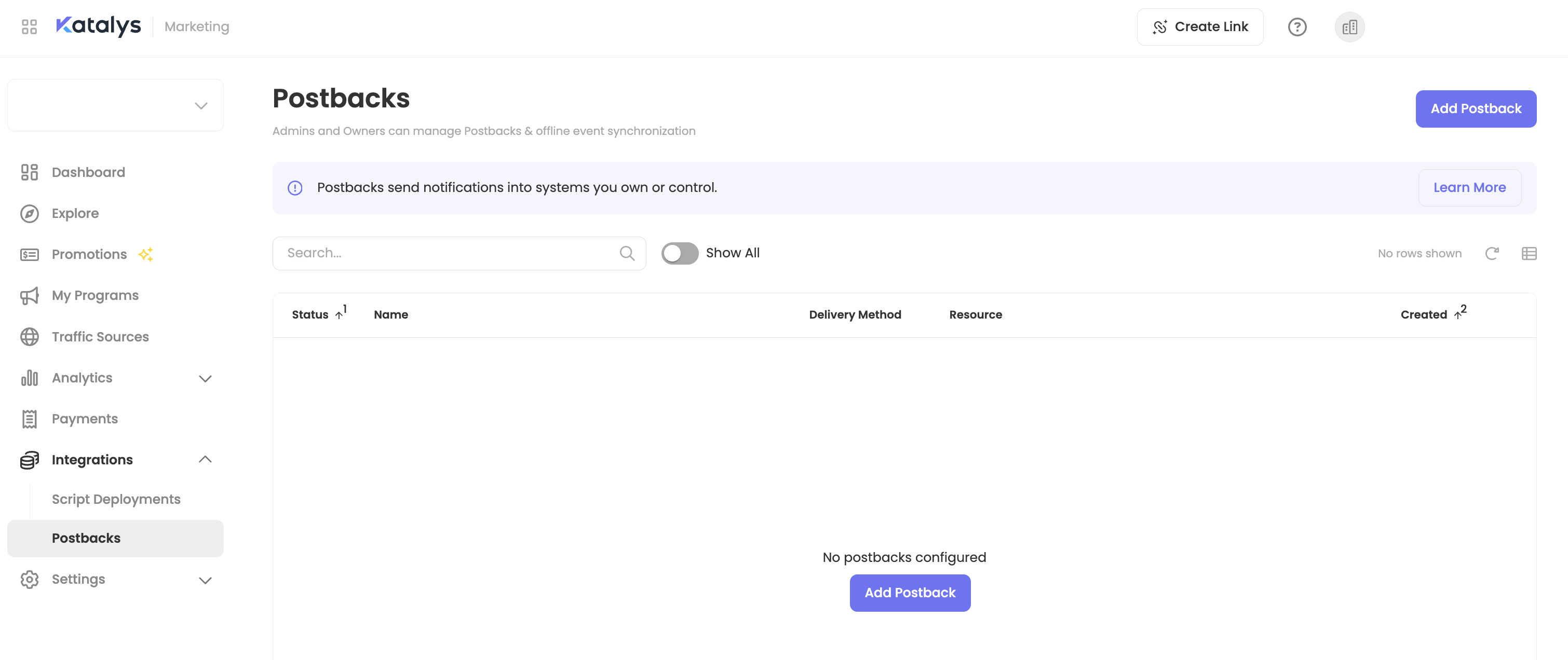
Login to your account and click “Postbacks” from the sidebar menu,
or click here to go there now → -
Click “Add Postback”
-
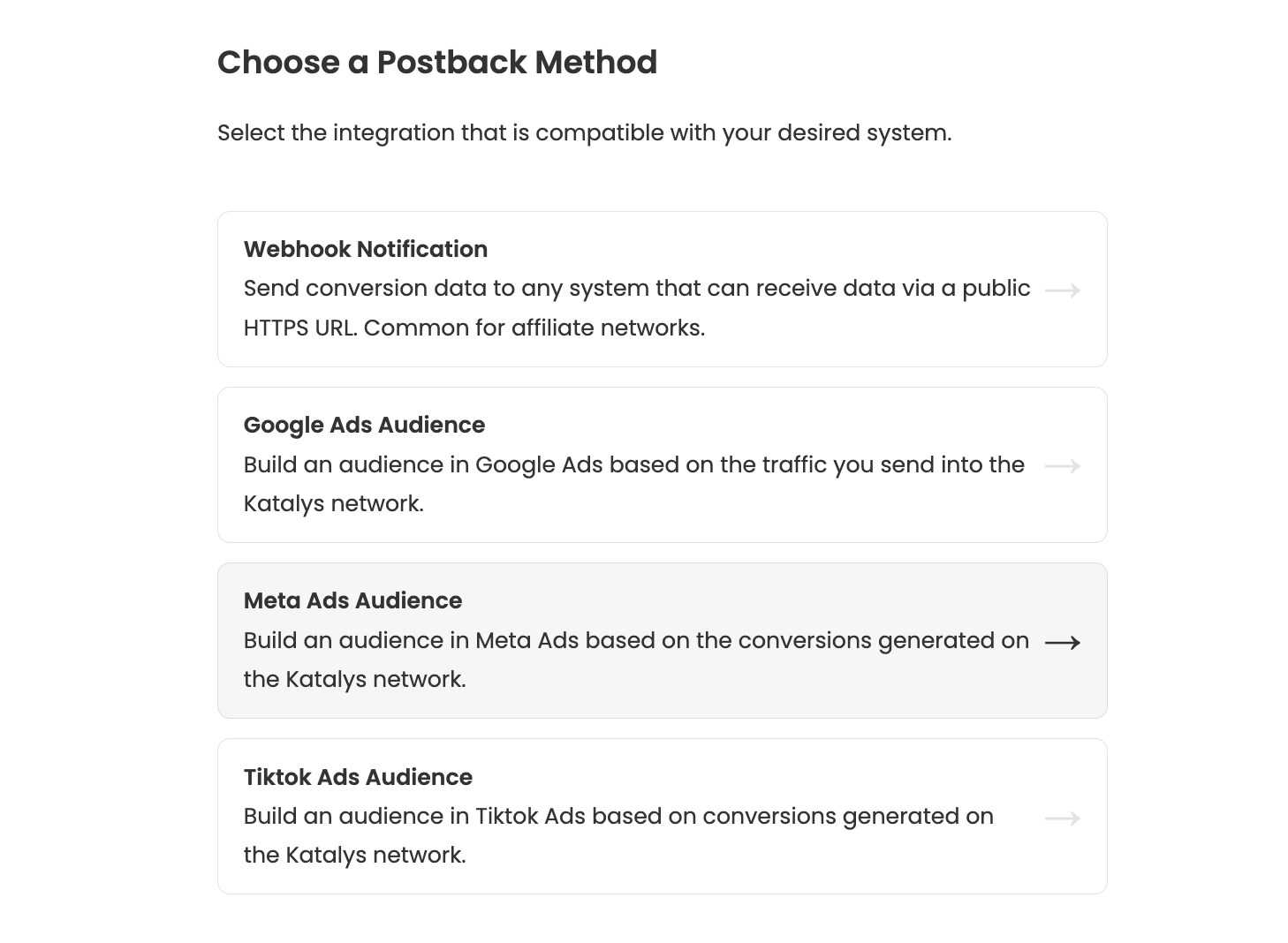
Choose “Facebook Ads Audience” from the list of available methods.
Step 2: Connect to Facebook Business Manager
-
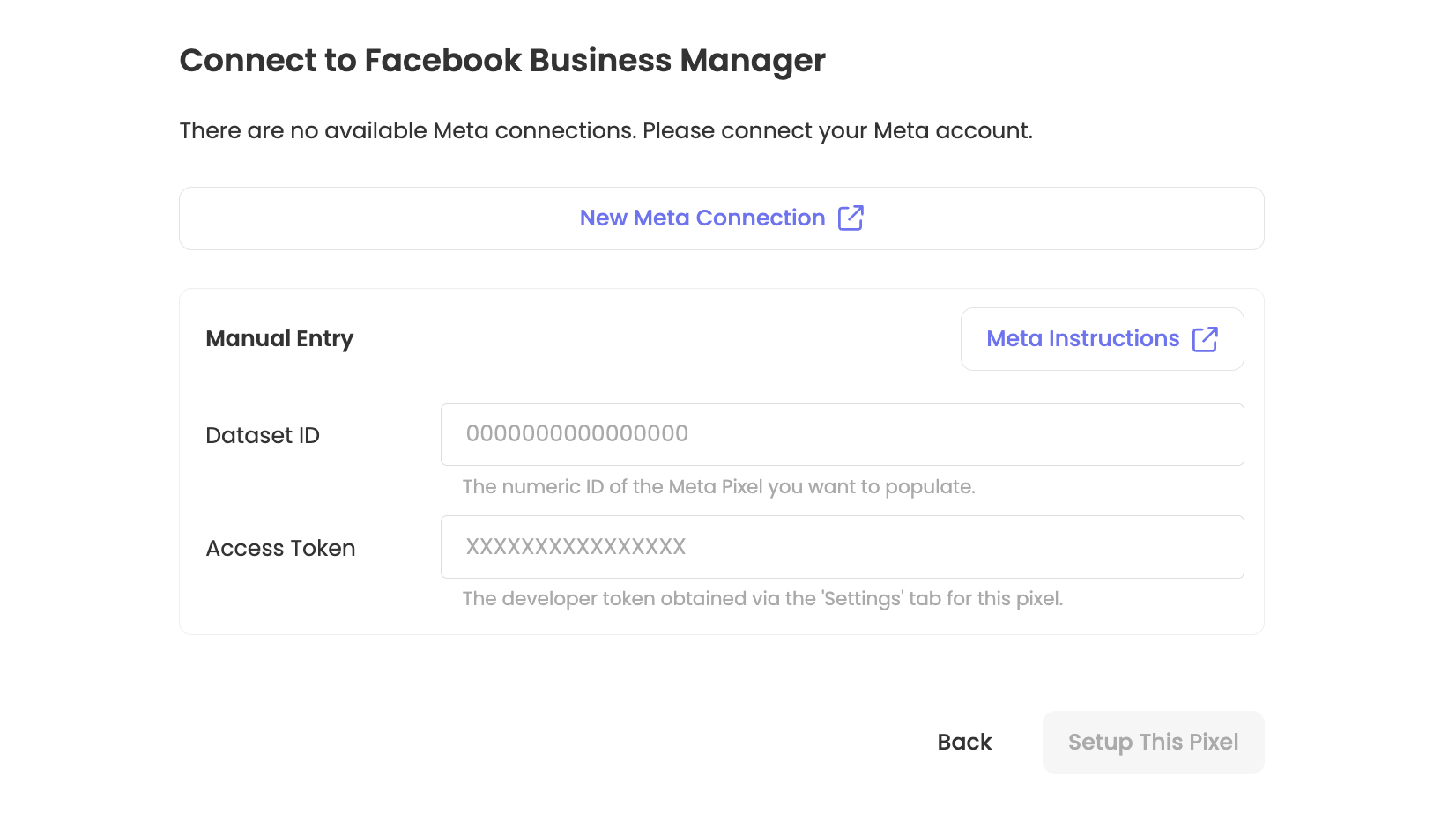
Click “New Meta Connection” to link your Meta account or select “Manual Entry”
-
Manual Entry will require the Dataset ID and Access Token. Review the linked Meta Instructions for information on accessing the Dataset ID and Access Token.
-
-
Click “Setup This Pixel”
-
Add a Display Name for the Pixel.
Step 3: Confirm selections and save
-
Confirm your selections.
Review “Available Events” below for more information on configuring event category routing. -
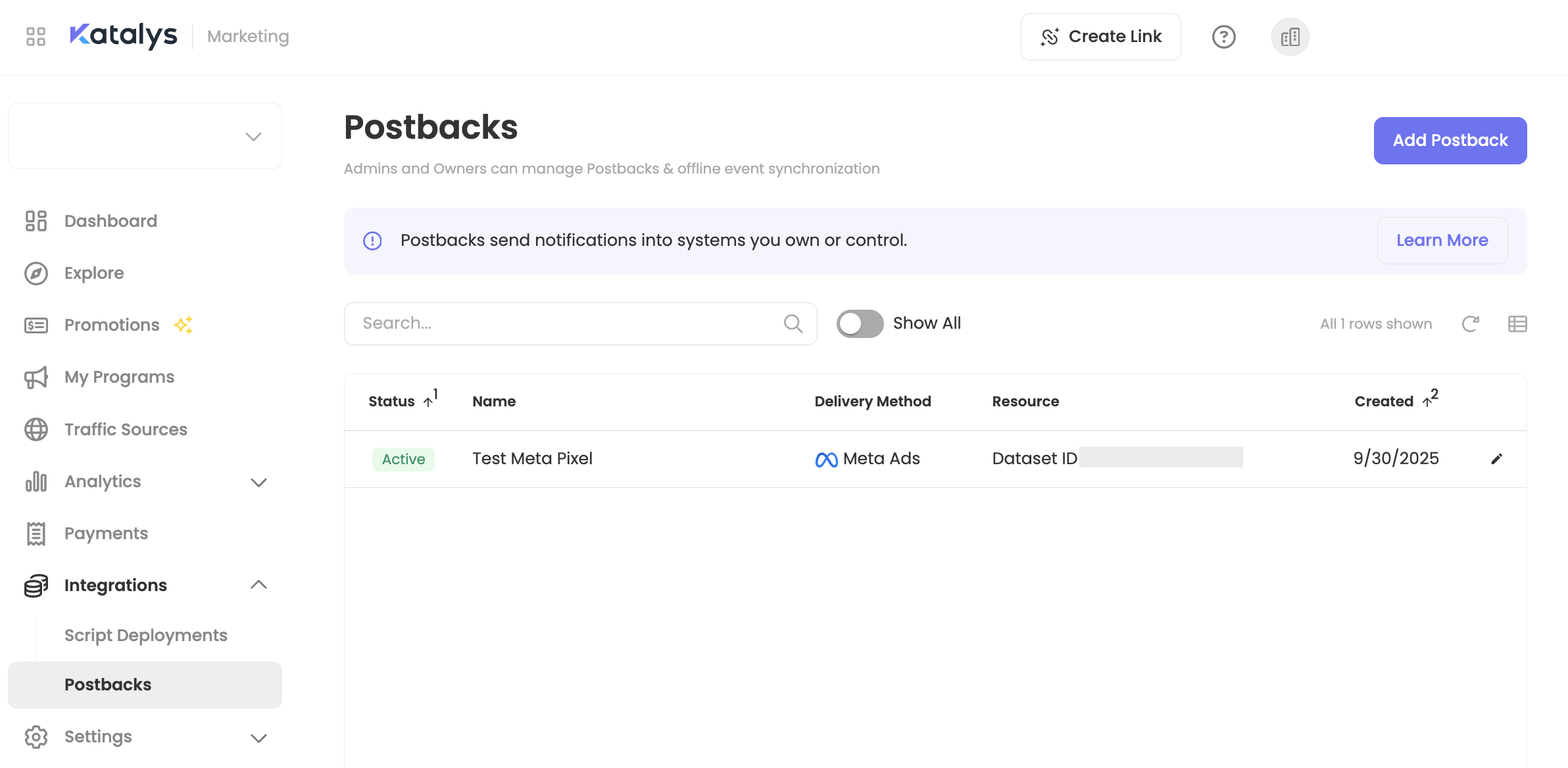
Click “Save” to enable your postback.
Once saved, Katalys will begin forwarding qualifying conversion events to your Facebook Business Manager account in real time.
Step 4: Test Your Meta Connection
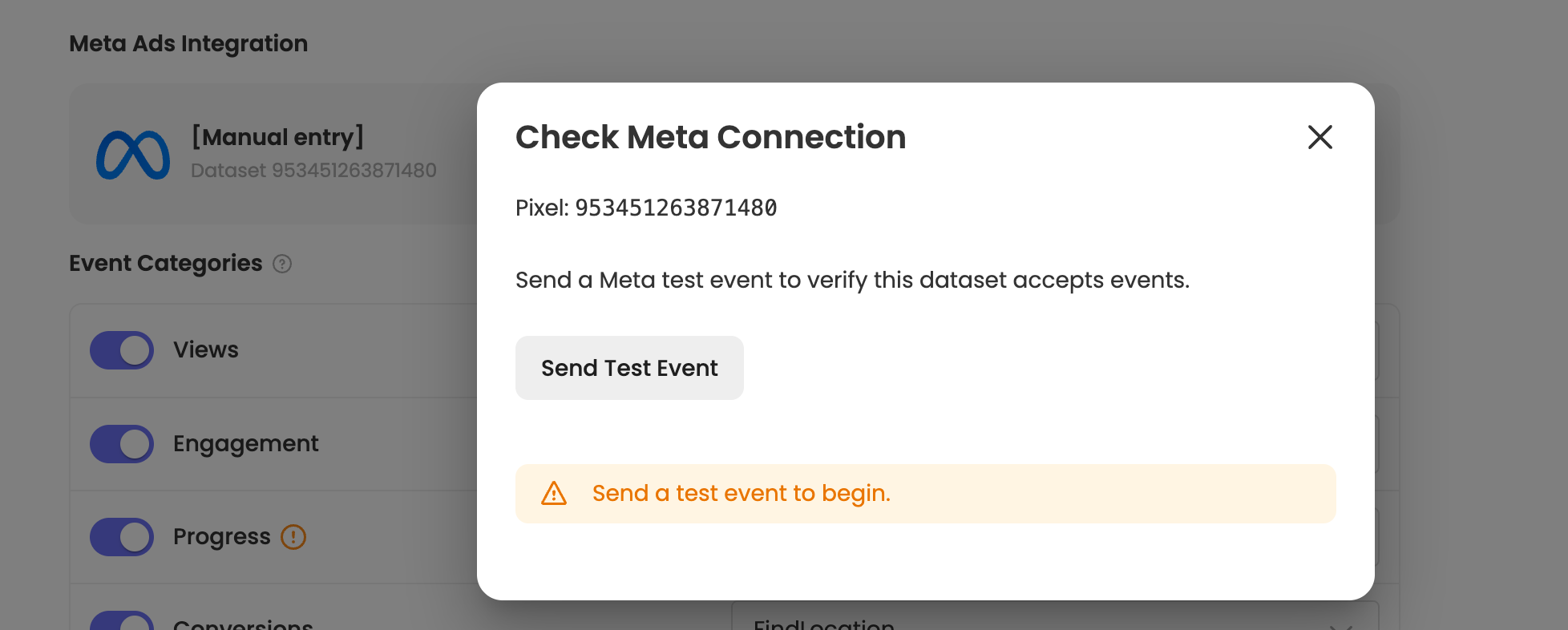
After saving your Meta Audience Postback, use the Test button to verify the integration is working before relying on it for live campaign data.
What the Test Does
The Test Connection sends a single verification event with dummy data to Meta using your Access Token. This checks if Meta accepts a test event for the configured pixel.
How to Test
-
Open your Meta Audience Postback from Postbacks in the sidebar menu.
-
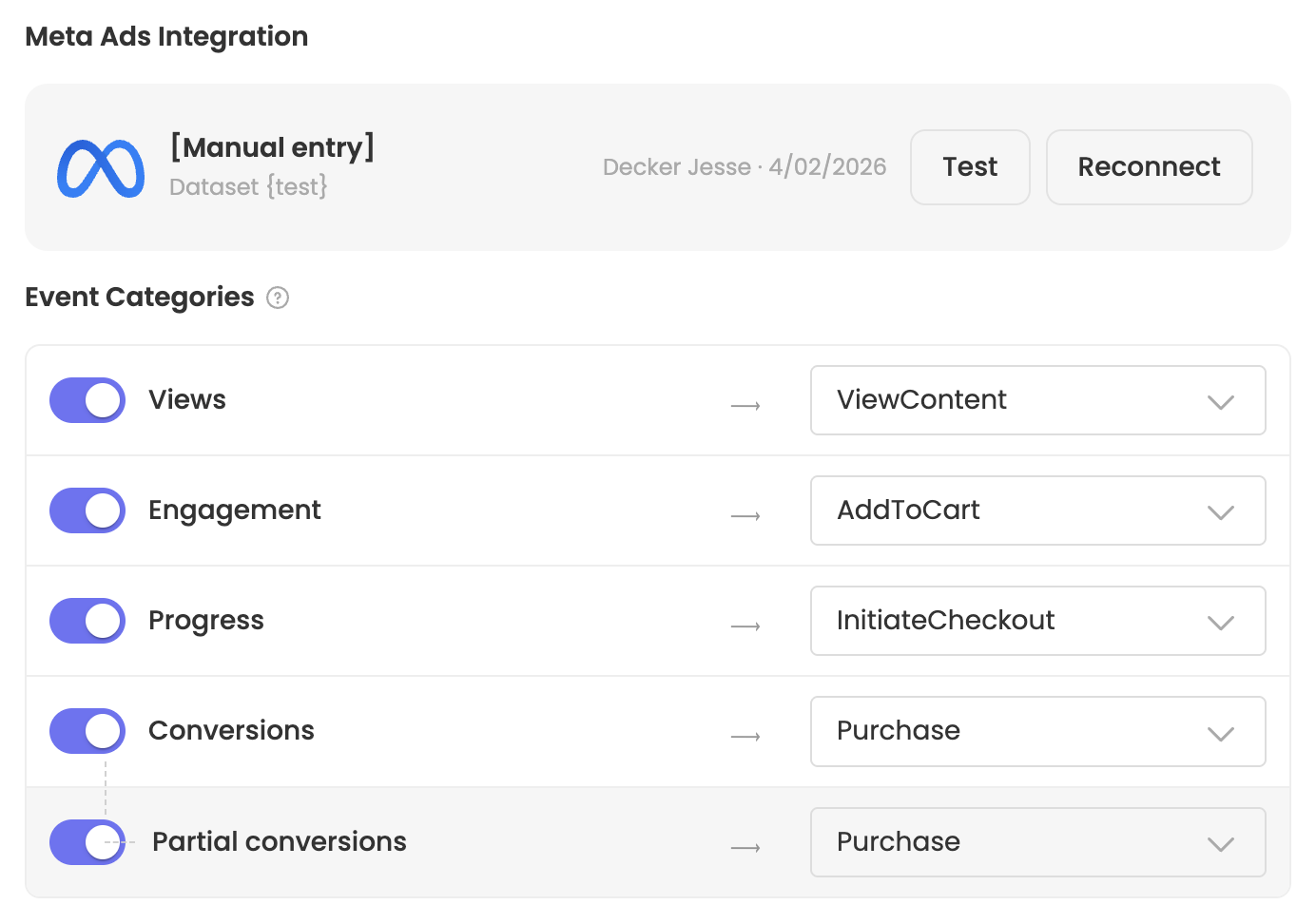
On the Postback Details tab, locate the Meta Ads Integration row. You will see your connected Pixel information alongside Test and Reconnect buttons.
-
Click Test. Katalys sends a single test event to your Meta Pixel via the Conversions API.
-
If successful, a confirmation message appears indicating the test event was delivered.
Verifying the Test in Meta Events Manager
After running the test:
-
Open Meta Business Manager and navigate to Events Manager.
-
Select the Pixel/Dataset matching your Dataset ID.
-
Look for the test event in the Overview or Test Events tab. It may take a few minutes to appear.
-
If the event appears, your integration is confirmed working and you can proceed with campaign setup.
Setting Campaigns Live and Managing Postbacks
Before your campaign goes live, ensure you’ve reviewed and completed the required items on Tracking Click Campaigns ->
Then, learn more about how to manage your postbacks here ->
Available Events
The events available to push into your Meta Pixel will come from 1) user session events, and/or 2) conversion events. You can read more about event types and how to select appropriate events on the page Postback Event Types →
For each chosen Event Category or Custom Event, you can select what Meta Event Name to use for that category or event. Using the dropdown you can select one of Meta’s “Standard Events” (review Meta’s documentation here), or you can type in your own custom event name.
If you configure a custom event, that event will be sent to Meta using the Event Name for the custom event instead of using the category’s event name.
Field Definitions
The data pushed to your Meta pixel will have the following fields populated.
|
Field |
Then… |
|---|---|
|
Action Source |
Always set to |
|
Event ID |
Always set to the unique value |
|
Event Name |
An Event Postback will be dynamic, based on category. A Conversion Postback will create a |
|
Event Source URL |
The URL where the event was recorded, or the default value of |
|
Event Time |
Time of the conversion or event |
|
Event Value |
Partner or Advertiser Event Postback:
Partner Conversion Postback:
Advertiser Conversion Postback:
If an event was previously reported with a >$0 value, and must be adjusted to $0, then the event might have a negative value. |
|
Currency |
Always set to This field is relevant for orders (typically reported into “Purchase” events), but not for browser events such as “Add to Cart”. |
|
Order ID |
Set to This field is relevant for orders (typically reported into “Purchase” events), but not for browser events such as “Add to Cart”. |
|
Hashed Email |
For Partners using postbacks, this field will be empty. For Advertisers using postbacks, this will contain the hashed email reported to Katalys. If the Advertiser’s integration does not report email address, then no value will be provided. This field is relevant for orders (typically reported into “Purchase” events), but not for browser events such as “Add to Cart”. |
|
Client IP Address |
Set to the IP address for the order or event, as recorded by Katalys. |
|
Client User Agent |
Set to the browser User Agent for the order or event, as recorded by Katalys. |
|
Click ID ( |
Set to the value of the If there is a Meta Pixel running on the landing page, this field will be set to the |
|
Browser ID ( |
The captured This value will only be captured if a Partner is tracking traffic on a page that runs the Katalys Script and the Meta Pixel. |